Visible messages only
It reads only content WhatsApp Web loads for your signed-in account.
Chrome extension · private local export
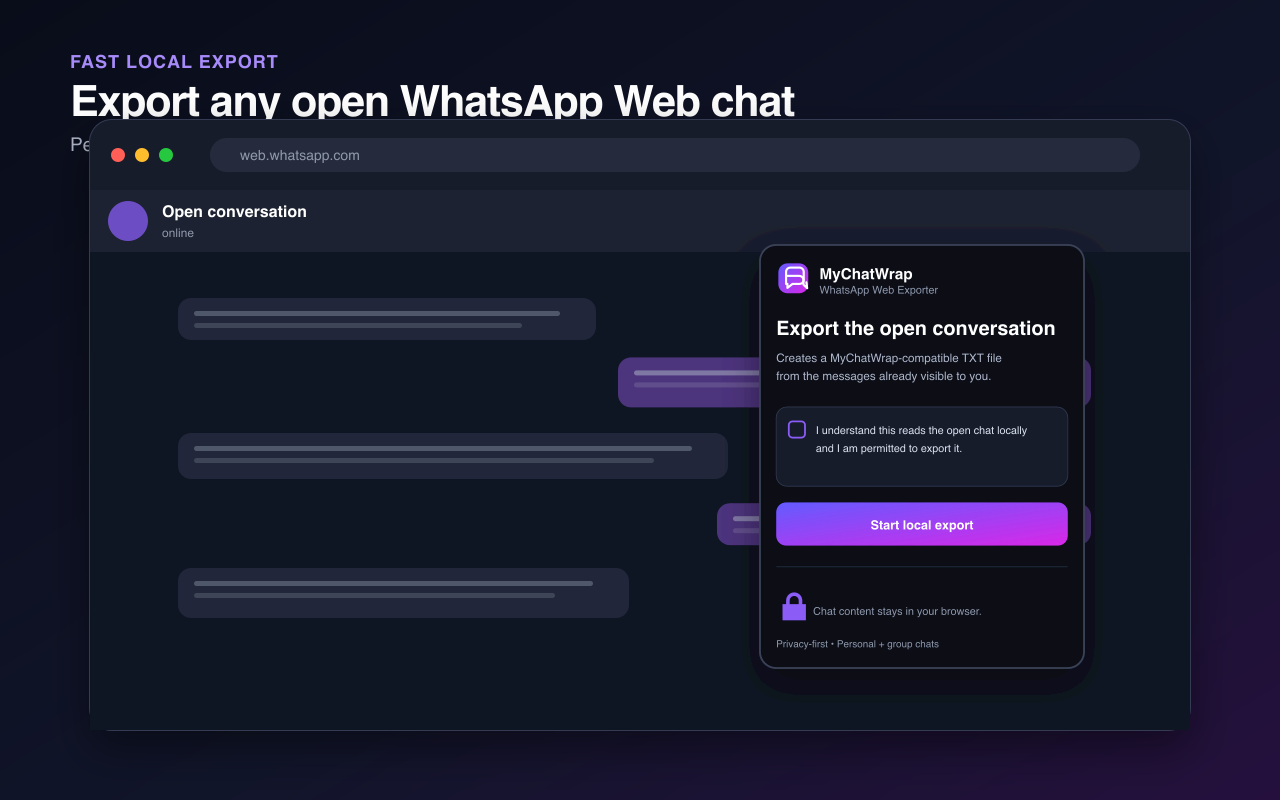
WhatsApp disables its native Export Chat command for protected conversations. MyChatWrap Exporter creates a local TXT from messages already visible to you in the open WhatsApp Web chat—without changing that setting or sending the conversation to a server.
Install the approved version now. Updates will appear at the same Store link.
It reads only content WhatsApp Web loads for your signed-in account.
Chat content and the generated TXT stay inside your browser.
Export one-to-one conversations and group chats.
Download a file formatted for MyChatWrap.
WhatsApp’s official documentation says that people in a conversation cannot use the native chat-export feature while Advanced Chat Privacy is enabled. That is why repeatedly checking the mobile share panel, reinstalling WhatsApp or looking for a missing ZIP does not solve this specific case.
The MyChatWrap extension does not re-enable that command. After you deliberately start it, the extension walks backward through the conversation currently open in WhatsApp Web and formats the rendered messages into a text export. It can preserve content you can already see, but cannot retrieve content that is deleted, expired, hidden or unavailable to your account.
Read WhatsApp’s Advanced Chat Privacy documentationSign in to web.whatsapp.com and open the personal or group chat you participate in and are permitted to preserve.
Open the extension, accept the local-processing disclosure and keep the WhatsApp Web tab visible while older messages load.
Finish the export, save the MyChatWrap-compatible TXT and select it on MyChatWrap to begin analysis.
The extension creates the export locally. It does not send messages, participant names, phone numbers, attachments or the downloaded file to MyChatWrap. Export only conversations you participate in and are permitted to preserve.
Read the extension privacy policyInstall MyChatWrap Exporter from the Chrome Web Store, create a local TXT from WhatsApp Web and continue to private conversation analysis.